
Beautiful
Simple, smart, beautiful prayer times and slideshow from your phone.
Set up in five minutes, then let it run by itself.

Masjid Al-Latief
15:53
himasjid.com
Simple, smart, beautiful prayer times and slideshow from your phone. Set up in five minutes, then let it run by itself.
The next prayer counts down. Adhan and iqamah sit under it.
While the congregation prays, the screen goes quiet with one message.
Masjid Al-Latief
15:53
himasjid.com
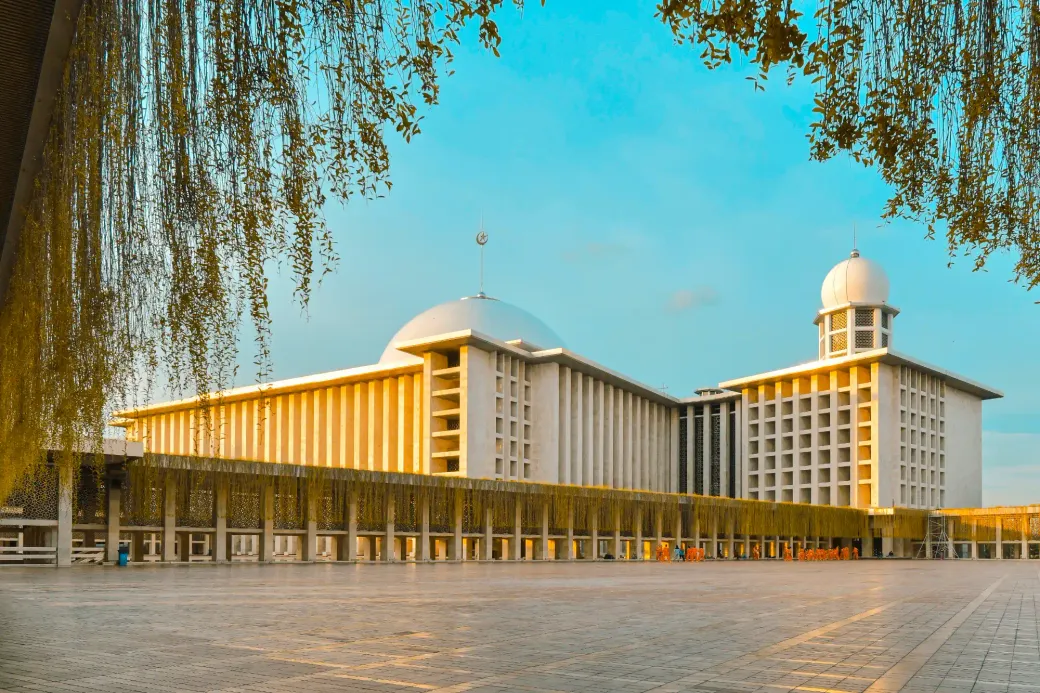
Eid al-Fitr prayer in the school hall, 2026
Simple, smart, beautiful prayer times and slideshow from your phone. Set up in five minutes, then let it run by itself.
A slide from the slideshow, in the same colours as the rest of the screen.
A screen as beautiful as your mosque.
Simple
Manage everything from your phone.
Change it on your phone, and the TV follows.
Try it: put the slideshow in order.
Once the TV is paired, your phone is all you need.

Prayer Times
TimesManual
Prayer · adhanIqamah
Fajr05:1205:27
Dhuhr12:4813:00
Asr16:0716:17
Maghrib17:4217:47
Isha19:0219:12
Save
Try it: put the slideshow in order.
Slideshow
Info
Quran class60 s
Donation
Carpet appeal30 s
No slides yet. Add one below.
Ready-made slides
Create your own
Only Info in this small demo. Sign in for the rest.
That is the whole job, done with a thumb. The TV stops the slideshow at every prayer and starts it again after.
Once the TV is paired, your phone is all you need.
Smart
The slideshow stops by itself at every prayer and starts again after.
Set up once. Nobody touches the TV at adhan time.
Masjid Al-Latief
17:20
himasjid.com
Eid al-Fitr prayer in the school hall, 2026
Simple, smart, beautiful prayer times and slideshow from your phone. Set up in five minutes, then let it run by itself.
Masjid Al-Latief
17:44
himasjid.com
Simple, smart, beautiful prayer times and slideshow from your phone. Set up in five minutes, then let it run by itself.
Masjid Al-Latief
18:02
himasjid.com
Simple, smart, beautiful prayer times and slideshow from your phone. Set up in five minutes, then let it run by itself.
How to start
- 1
Sign in with Google.
One mosque per account.
- 2
Add your mosque.
Its name and location. Times come from its own coordinates.
- 3
Open one link on the TV.
Any TV with a web browser.
What a committee asks
Which TVs does it work on?
Any TV with a web browser.
What happens when the internet drops?
The TV keeps playing for up to 30 days with no connection.
Can we use our own printed timetable?
Yes. Upload a CSV of up to 31 days and it overrides the calculation for those dates.
What does it cost?
Free. We built hiMasjid with waqf.
Can more than one of us look after it?
Yes. Invite committee members with a code, as Admin, or as Manager for the prayer times only.